Free Shopify secure checkout badge widget

Show payment confidence before shoppers hesitate. Add a clean secure checkout message, supported payment icons and trust cues close to the product action without making the page feel crowded.

Free Shopify secure checkout badge widget with payment trust icons

Add secure checkout badges near the buying action

A Shopify secure checkout widget should answer one simple question: can I safely continue? Keep the trust badge close to add-to-cart or buy-now actions so it supports the decision instead of interrupting it.

  • Use short secure checkout copy beside the main product action.
  • Show supported payment icons only when they help shoppers understand checkout options.
  • Avoid fake security claims; use calm payment confidence messaging.
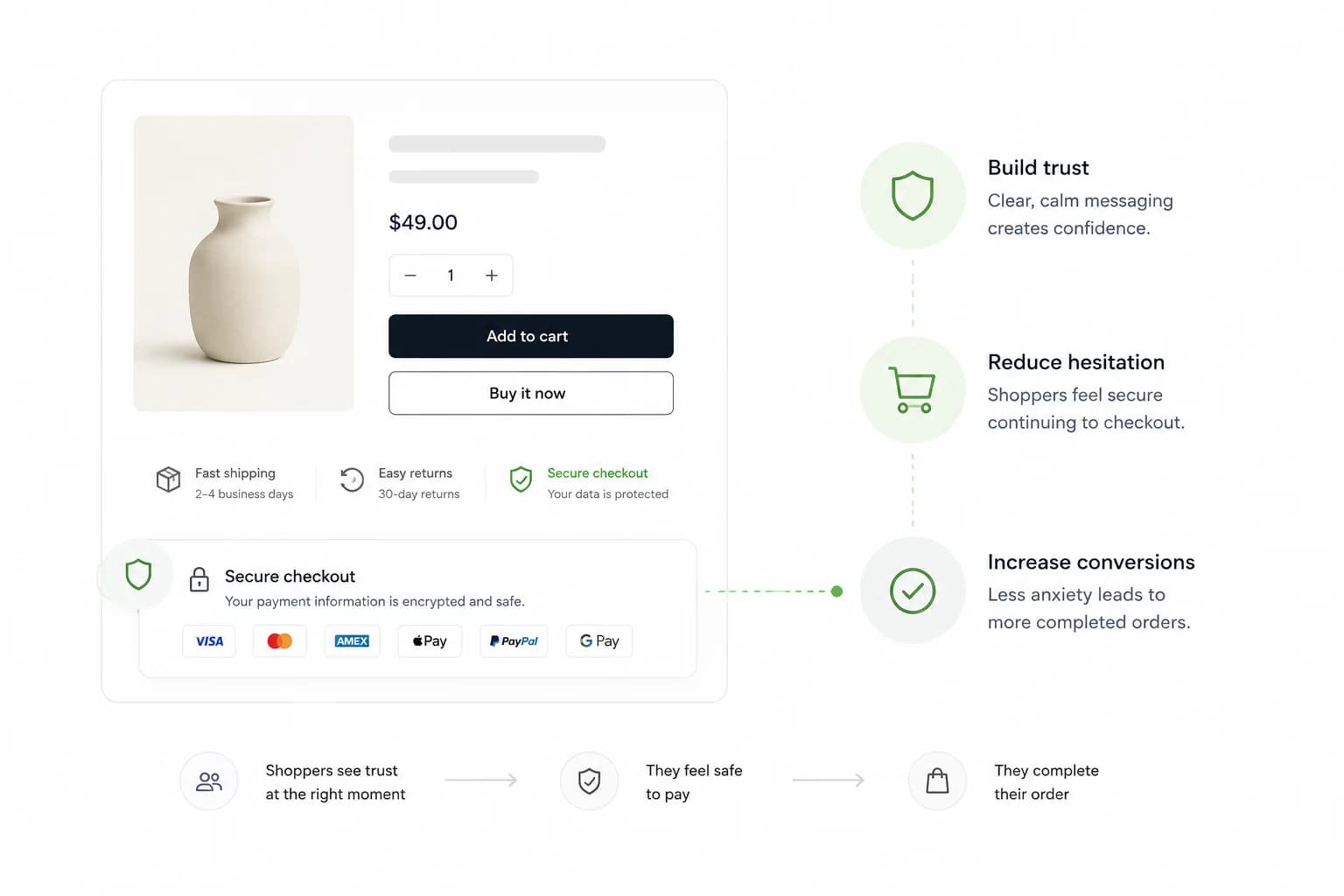
Shopify product page showing a secure checkout trust badge near add to cart

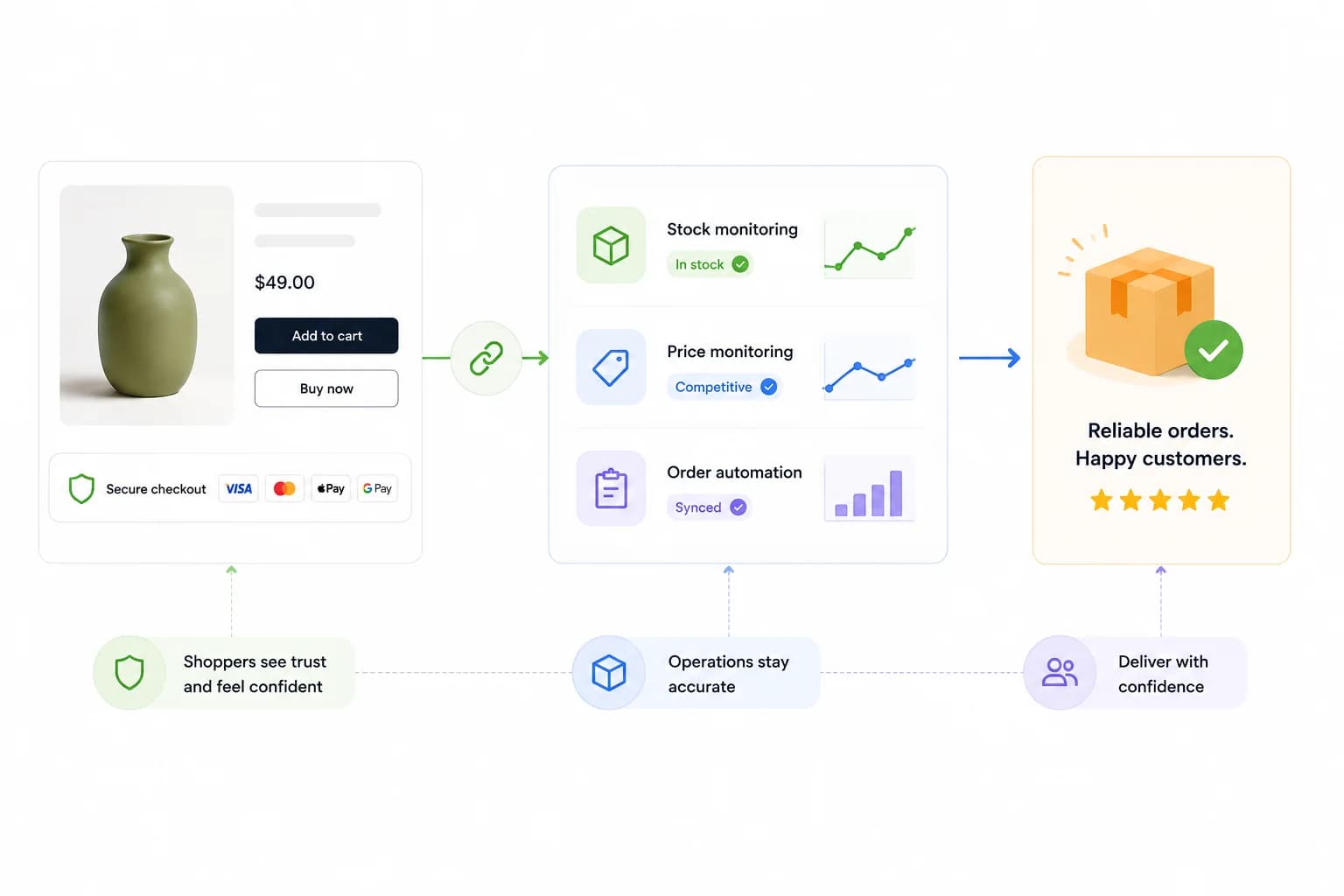
Connect checkout trust with stock, price and order accuracy

Trust badges help shoppers continue, but the sale still needs to be fulfilled profitably. HGR connects the storefront trust layer with supplier stock monitoring, price checks and order workflows.

  • Pair secure checkout messaging with stock and price monitoring.
  • Use trust cues on products that can be fulfilled reliably.
  • Move from storefront confidence to full supplier control.
Secure checkout trust connected to stock monitoring price monitoring and order automation

Use secure checkout copy that feels credible

The best Shopify checkout trust badges are restrained. They explain what matters, show payment confidence and stay visually secondary to the product, price and buying button.

  • Good copy: Secure checkout, encrypted payment, supported payment methods.
  • Weak copy: aggressive warning labels, fake guarantees or oversized seals.
  • Keep the widget visually clean so it improves trust without lowering product focus.

Secure checkout active

Payment trust before checkout

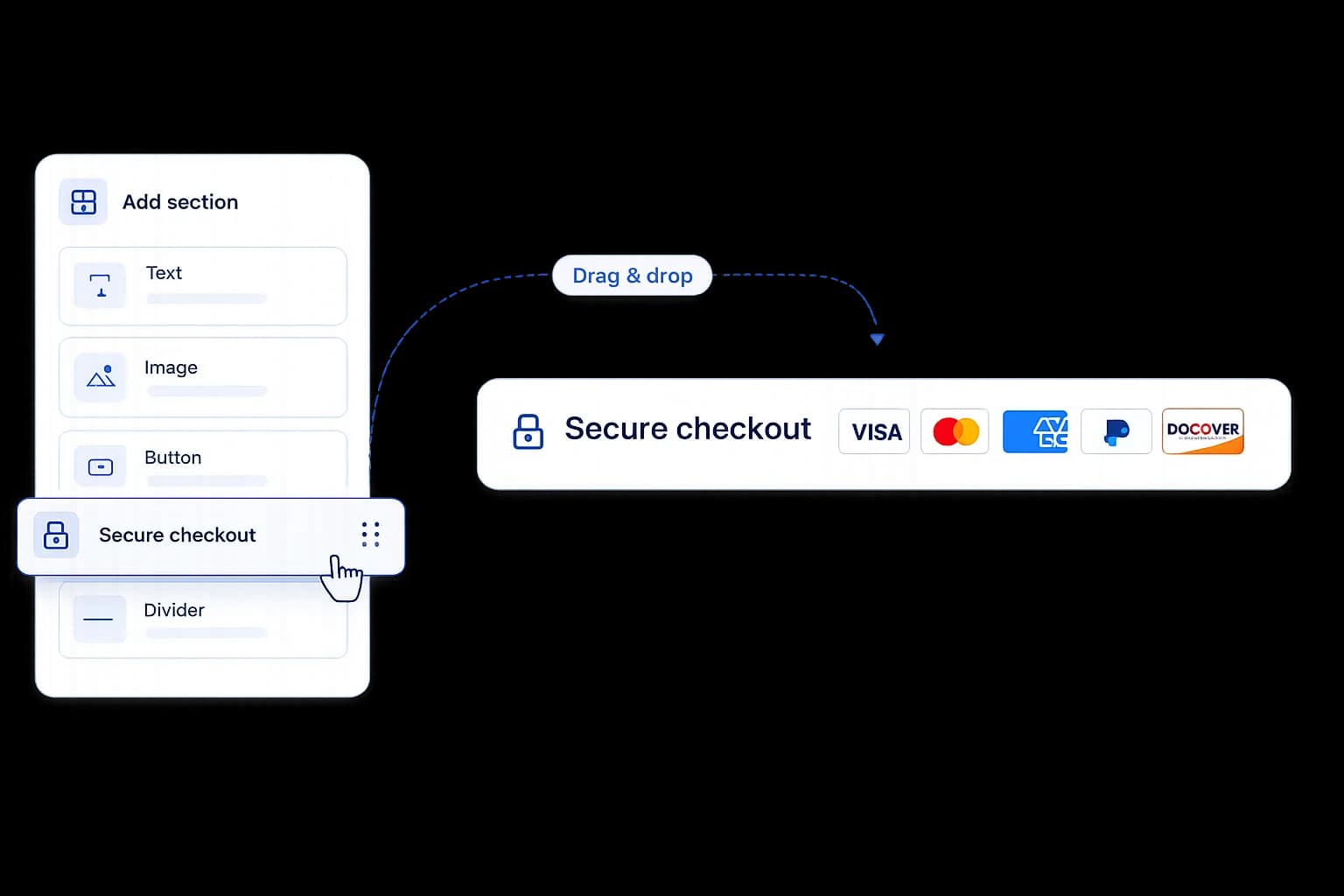
Secure checkout
VISAMCAMEXPayPalDISC

Accepted payment methods stay visible.

Trust signal without a noisy badge stack.

Questions before installing

What is a Shopify secure checkout widget?

It is a storefront element that shows secure checkout copy, payment confidence cues and supported payment icons near the product or checkout action.

Is secure payment messaging enough to improve Shopify sales?

It can help reduce hesitation, but it should work with product clarity, delivery confidence, stock accuracy and price discipline. HGR connects the storefront layer with supplier operations.

Is the HGR Shopify secure checkout widget free?

Yes. The secure checkout widget is part of the free widget layer inside the HGR Shopify app, alongside urgency, delivery estimate and availability messaging.

Where should secure checkout badges appear on a Shopify product page?

Place them close to the add-to-cart, buy-now or checkout area. That is where shoppers are deciding whether the next step feels safe.

Does a secure checkout badge replace Shopify Payments security?

No. It is a communication layer for shoppers. Your real payment security still comes from Shopify, your payment provider and the checkout configuration you use.

Can trust badges hurt conversion if they are overused?

Yes. Too many badges can make the page feel cheap or suspicious. Keep the widget restrained, readable and close to the decision point.

Add checkout trust, then connect the supplier workflow

Install the HGR Shopify app to use the free widget layer and connect stock, price and order workflows when your store needs more control.